Free tool
Download photos and video from one public X post
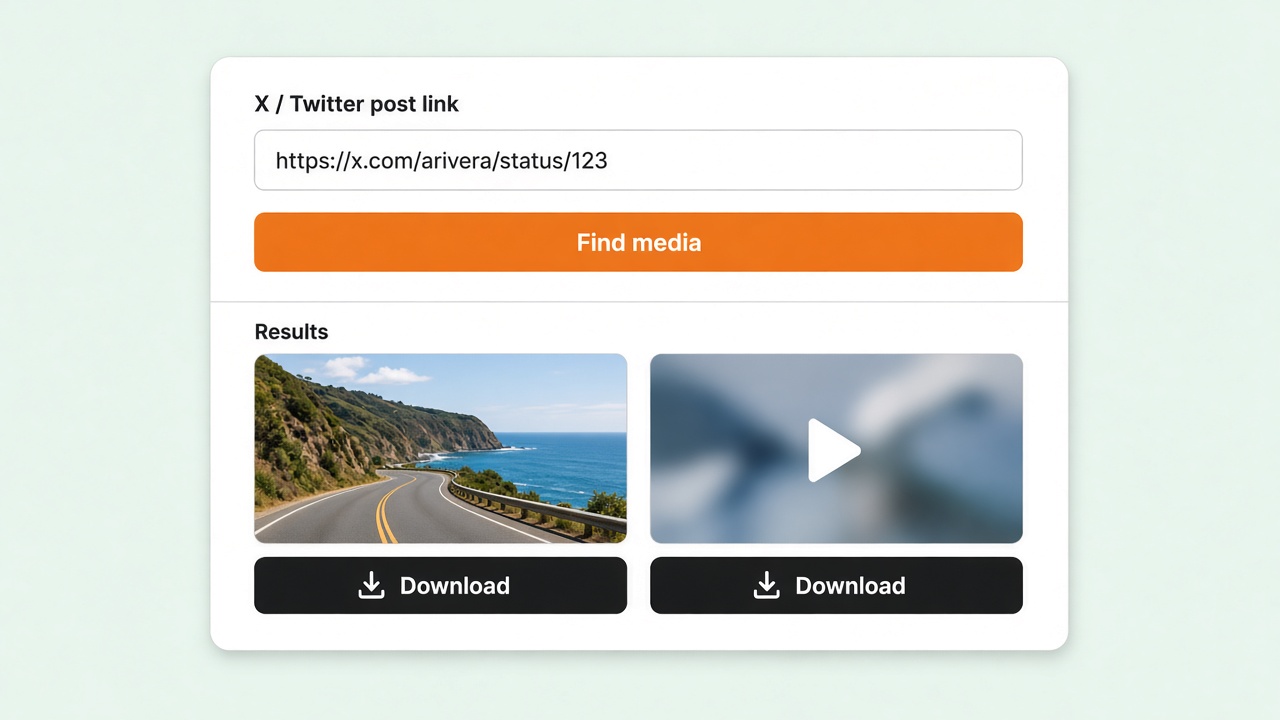
Paste a post link to see every photo and every video size. Open the one you want in a new tab and let your browser save it.
Who this is for
Built for a single public post — when you need the file and you are not ready to install the extension.
One post, right now
You have the link and need the photo or MP4. No install, and no account on this page.
Editors
Pull the original image or the highest available MP4 from a public post into a draft.
Before you install
Check that the file is the one you want. The extension is for a profile Media tab and larger batches.
How it works
- 1
Paste an X / Twitter post link or status ID.
- 2
Complete the security check, then find the media.
- 3
Open the photo or the video size you want. Your browser saves the file.
What you can save
One public post. Not a profile library, and not a private account.
Photos
Each image in the post, at the large size the post already uses.
Video and GIF
Every MP4 size on the post, from the largest to the smallest. A GIF is a video file.
Your browser saves it
Open a size in a new tab. The file comes straight from the post, and your browser downloads it.
FAQ
Can I download the video file?
Yes. A video or GIF lists every MP4 size. Open the one you want in a new tab, then save it with your browser.
Can I download every photo in the post?
Yes. Each photo has its own Open image link. The file opens in a new tab so your browser can save it.
Do I need an X account?
No. Paste a public post link. Private posts cannot be looked up.
Can I download a whole profile Media tab here?
No. This page is one post. The Chrome extension saves a Media tab into a folder, and it can pause and resume. Video download in the extension is Pro.
Which video size should I open?
The list is highest quality first. A larger size is a bigger file. Pick a smaller size if the top one is slow to save.
Save a whole Media tab with X Media Downloader
This page downloads one public post. The Chrome extension also saves a profile Media tab into a folder, with pause, resume, and tweet ID subfolders. Images are free. Video is Pro.
 X Media Downloader
Download videos, photos, and GIFs from X (Twitter) into a folder you choose.
Products
- Twitter DM Bot
- Twitter Boost Bot
- Twitter Follow Export
- Twitter Search Export
- Twitter Replies Export
- X Tracker
- Twitter Likes Export
- Twitter Retweets Extracter
- Twitter Quotes Extracter
- Tweet List Export
- Tweet Community Export
- Tweet Export
- Twitter Group Chat Sender
- Twitter Mass Follow
- Twitter Mass Replies Hider
- Twitter Mass Add List Members
- Twitter Profile Enrich
- Mastodon Social Export
Need Help?
Send us an email at help@extensionsfox.com if you have any questions. We'll help you out.
© Copyright 2026, All Rights Reserved by tw-downloader.extensionsfox.com